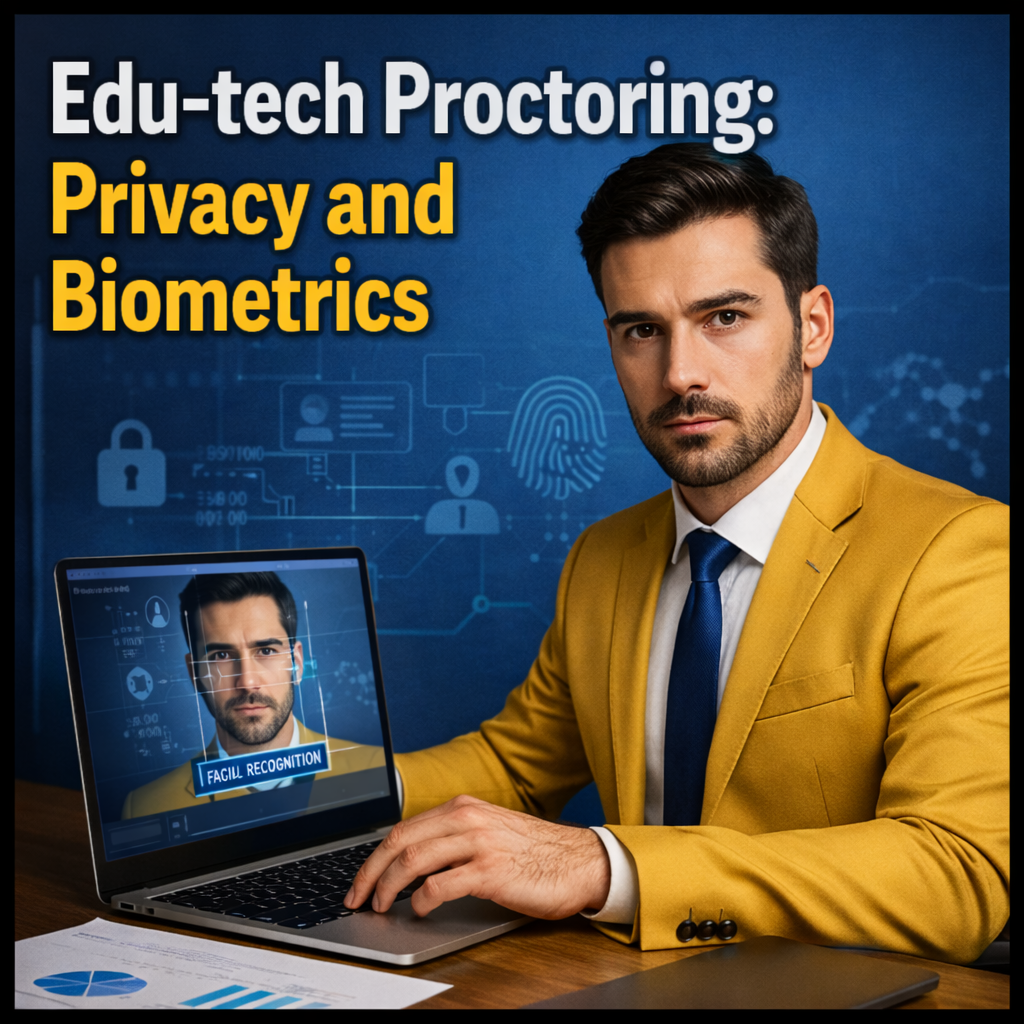
Edu-tech proctoring: privacy and biometrics
Remote proctoring can expose sensitive student data and biometrics, making consent, retention, and fairness harder to manage.
Online exams increasingly rely on proctoring tools that watch screens, record rooms, and flag behavior. For schools and learners, the convenience can come with uncomfortable tradeoffs around privacy and how monitoring is justified.
Problems often surface when students feel forced to provide biometrics, when data is stored longer than expected, or when automated flags create false accusations. Clear policies and proportional safeguards help reduce complaints and disputes.
- Biometric collection can trigger stricter consent and retention duties.
- Recordings may capture third parties and private spaces.
- Automated flags can lead to unfair discipline outcomes.
- Weak security controls raise breach and notification exposure.
Quick guide to edu-tech proctoring software: privacy and biometric issues
- What it is: exam monitoring tools using video, audio, screen capture, and sometimes biometric identity checks.
- When it arises: remote exams, credentialing tests, and “camera-on” verification requirements.
- Main legal area: student privacy, biometric privacy, data protection, and anti-discrimination safeguards.
- Exposure if ignored: complaints, vendor disputes, disciplinary appeals, and breach obligations.
- Basic path: audit the tool, publish clear notices, offer alternatives, and document decisions for reviews or appeals.
Understanding edu-tech proctoring software in practice
Proctoring systems range from simple live invigilation to automated monitoring that analyzes faces, eye movement, keystrokes, or background noise. The deeper the monitoring, the more sensitive the data becomes.
Biometrics can include face templates, voice prints, or other identifiers used to confirm identity. Even when the intention is security, biometric handling often triggers higher compliance expectations than ordinary account data.
- Data types: video, audio, room images, IDs, device fingerprints, network data, and exam logs.
- Biometrics: face geometry or templates, liveness checks, voice features, and identity matching outputs.
- Decision outputs: “suspicion” scores, incident reports, and flagged event timelines.
- Stakeholders: students, parents, schools, testing bodies, and third-party vendors.
- Context: private homes, shared rooms, and accessibility needs.
- Most scrutiny centers on necessity and proportionality of monitoring.
- Retention and deletion schedules should match the exam appeal window.
- False positives require a human review process and clear appeal routes.
- Alternative options matter for disability and device constraints.
- Vendor contracts should define security, access, and audit rights.
Legal and practical aspects of proctoring privacy
In the U.S., schools may have obligations under student privacy rules depending on the institution type and funding, and they must manage vendor access to education records. In many jurisdictions, data protection principles also apply to any organization collecting identifiable data, especially sensitive categories.
Biometric rules can be stricter than general privacy rules. Some laws require written consent, specific notices about purpose and retention, and strong controls against secondary use such as marketing or unrelated analytics.
- Notice and transparency: what is collected, why, and how long it is kept.
- Consent and choice: when consent is valid and when alternatives are needed.
- Access controls: who can view recordings and incident reports.
- Retention and deletion: timelines tied to grading and appeal processes.
- Security: encryption, audit logs, incident response, and vendor oversight.
Important differences and possible paths in proctoring disputes
Disputes look different depending on whether the issue is privacy exposure, biometric consent, or an academic integrity finding. A privacy complaint may focus on retention and access, while a discipline case often focuses on accuracy and due process.
- Live proctoring: fewer automated flags, but still high sensitivity for recordings.
- Automated monitoring: higher false-positive risk and greater need for human review.
- Biometric identity checks: stricter consent expectations and higher security requirements.
- Home environment capture: more third-party privacy issues and accessibility concerns.
Common paths include internal review with a documented audit, accommodation requests for alternative assessment formats, and formal appeals of discipline outcomes supported by incident logs, recordings, and procedural records.
Practical application of proctoring issues in real cases
Typical situations include a student flagged for “looking away,” a roommate appearing on camera, or a system requiring face scanning on devices that cannot run the software reliably. Another common issue is the feeling of forced consent when the exam is mandatory.
Relevant documents include the syllabus and exam rules, privacy notices, consent forms, vendor terms, accommodation records, incident logs, and any communications about alternative options or technical failures.
- Gather materials (policy, notices, screenshots, and timelines) tied to the specific exam.
- Request records of what was captured and any incident report or score output.
- Assess proportionality and whether less intrusive alternatives were available.
- Use internal channels for privacy complaints, accommodations, or academic integrity appeals.
- Escalate when needed to ombuds offices, regulators, or legal counsel with organized evidence.
Technical details and relevant updates
Proctoring tools can collect device and network signals that are not obvious to users, such as browser fingerprints, system processes, and location indicators. Clear documentation helps reduce surprise and strengthens transparency.
Further reading:
Security and data minimization are recurring pressure points. If recordings are stored in cloud systems, institutions often need to verify encryption, access logging, and vendor breach notification obligations.
- Data minimization: collect only what is needed for exam integrity.
- Retention alignment: keep data only through grading and appeal periods.
- Bias controls: test and monitor automated flag rates across groups.
- Third-party capture: guidance to limit background exposure in home settings.
Practical examples of proctoring privacy and biometric issues
Example 1 (more detailed): A university requires remote proctoring with a face scan before entry. A student objects to biometric collection and requests an alternative. The school reviews its policy, offers an in-person testing window or a non-biometric verification method, and documents the accommodation decision. For retention, the school limits storage to the appeal window and restricts access to trained staff, without promising identical outcomes in every program.
Example 2 (shorter): A student is flagged for “suspicious movement” because of a medical condition. The student submits accommodation records and asks for a human review of the recording and log timeline, leading to a reconsideration of the incident report.
Common mistakes in proctoring programs
- Using broad monitoring settings without a clear necessity rationale.
- Collecting biometrics without clear notice, consent, and retention terms.
- Keeping recordings indefinitely or without a deletion schedule.
- Allowing automated flags to drive discipline without human review.
- Failing to offer workable alternatives for accessibility or device limits.
- Weak vendor oversight on security controls and access permissions.
FAQ about edu-tech proctoring software
What counts as biometric data in remote proctoring?
Biometric data can include face templates, liveness checks, voice features, or other identifiers used to confirm identity. Even when presented as “verification,” these elements can be treated as sensitive data and may trigger stricter consent and retention expectations.
Who is most affected by proctoring privacy issues?
Students testing from home, those using shared spaces, and those requiring accommodations are commonly affected. Issues also rise when device limitations or unstable internet lead to repeated scans, recordings, or false flags.
What records are useful if an exam flag leads to discipline?
Useful records include the incident report, timestamps, any score outputs, relevant recordings, and the exam rules in effect at the time. Communications about technical issues or accommodations can also support a request for human review or appeal.
Legal basis and case law
Key legal foundations can include student privacy rules governing education records, general data protection principles such as transparency and purpose limitation, and biometric privacy frameworks that require specific notice and consent practices. Contract and policy documents also matter because they define the agreed exam conditions and appeal rights.
Decision-makers often evaluate whether monitoring was proportionate, whether students had meaningful notice and alternatives, and whether discipline actions relied on reliable evidence. Where automated flags are used, recurring themes include the need for human review, consistent procedures, and documented rationales.
In disputes involving biometrics, prevailing themes often emphasize explicit disclosure of purpose, limited retention, restricted access, and safeguards against secondary use. Outcomes frequently depend on the quality of documentation and the availability of less intrusive options.
Final considerations
Edu-tech proctoring can protect exam integrity, but it can also expose sensitive data and biometrics if not carefully constrained. Clear notices, limited retention, and strong security controls are central practical safeguards.
Fairness also depends on human review, accommodation options, and transparent appeals. Documenting what was collected, why it was necessary, and how outcomes are reviewed helps reduce avoidable disputes.
This content is for informational purposes only and does not replace individualized analysis of the specific case by an attorney or qualified professional.